
HWCLANSHalloween Skin Case
Reported by 7 sites
First seen:
Jump into fast-paced 5v5 basketball and pickup matches in Roblox Basketball Legends. Master shooting, defense, and special moves, customize your game with skins and effects, and explore the latest codes and updates.
Explore the Wiki
Checked:
HWCLANSHalloween Skin Case
Reported by 7 sites
First seen:
HWPASSHalloween Effect Case
Reported by 7 sites
First seen:
HWSTOCKHalloween Banner Case
Reported by 7 sites
First seen:
| Code | Reward | Status | First seen |
|---|---|---|---|
HWCLANS | Halloween Skin Case | Reported by 7 sites | |
HWPASS | Halloween Effect Case | Reported by 7 sites | |
HWSTOCK | Halloween Banner Case | Reported by 7 sites |

From your first match to skill unlocks and cosmetic bundles, choose the topic you need.
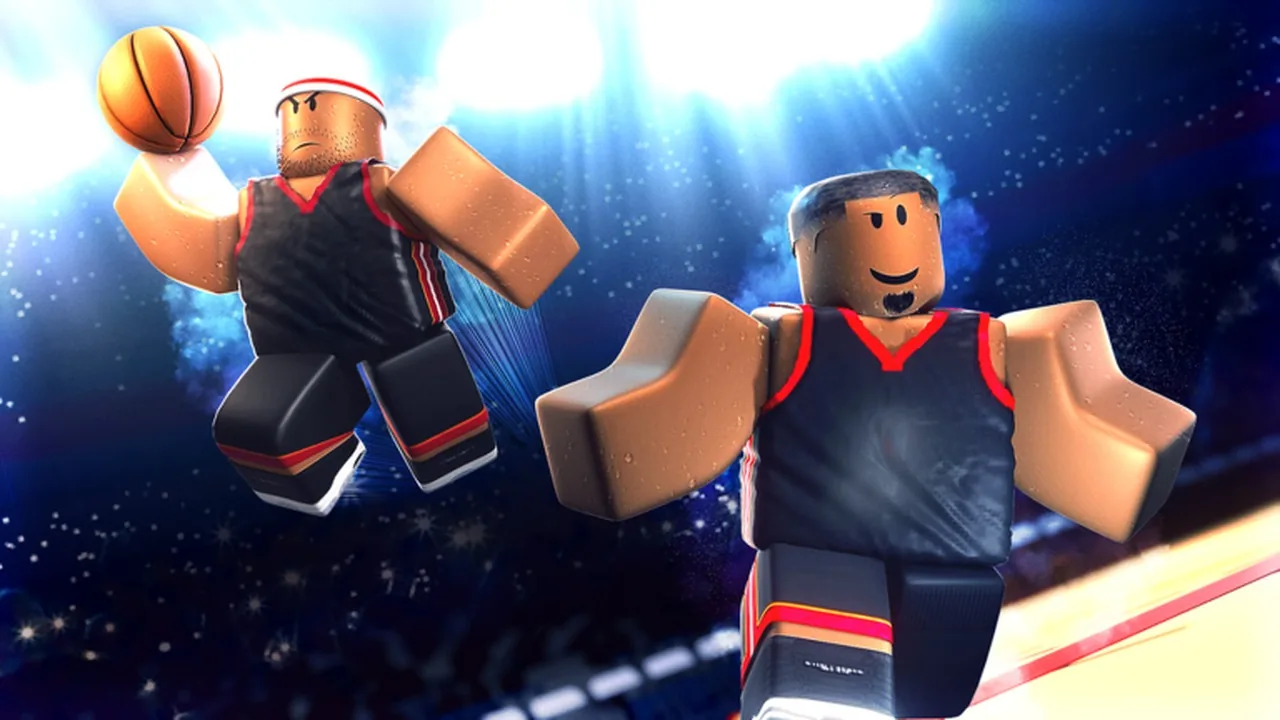
Basketball Legends is a fast-paced sports experience created on Roblox by InfinitySports. Up to ten players share a court to compete in full five-on-five team matches or casual park pickup games. Players build their athlete profile from base ratings toward ninety-nine overall while unlocking skill badges, collecting visual cosmetics, and climbing competitive ladders.
During each match, players control offensive drives and defensive stops across timed quarters with active shot clocks. Scoring relies on timing overhead shot meters for perfect green releases, executing post fades, and driving for contact dunks. On defense, players manage floor spacing with horizontal guarding stances, timed block attempts, and reach-in steals.
Explore All GuidesDeveloper
InfinitySports
Platform
Roblox
Genre
Sports / Sports & Racing
Release Date
Jul 31, 2023
Total Visits
777.3M
Players Online
11.9K
Favorites
705.9K
Max Players per Server
10
Check every default PC keyboard binding in Basketball Legends, including offensive dribble keys, shooting inputs, passing numbers, and defensive controls.
Lower graphic quality settings completely in Roblox menu options to reduce input latency and eliminate blinding visual glare from specialty ball cosmetics such as Crystallize, Gamma, or Angelic skins.
SkinsMaintain 60 FPS while taking jump shots to keep release meter timing consistent on offense.
Green Light TimingSwitch display output up to 240 FPS while defending. Higher frame rates create smoother character movement, making it easier to utilize micro-movements, back up slightly to dodge incoming post contact, and stay glued to ball handlers.
Learn how the DualShock touchpad and interface toggles work on PlayStation consoles to control your player and menus.
Find out how to navigate menus and operate PlayStation 5 controller inputs in Basketball Legends on Roblox.
Configure controller buttons and execute offensive combos including euro steps, post hooks, and screens in Basketball Legends.
Find the exact tier requirements, season pass milestones, and match options needed to collect the Halloween 2026 Master event badge.
Learn how to reach level 10 in the Halloween season pass to unlock the commemorative Novice event badge in Basketball Legends.
Find out how to grind match experience or skip tiers to claim 20 Hollow event tickets in Basketball Legends.
A few useful distinctions before you start.
Start with codes, learn the controls, and sharpen your skills with basketball guides.